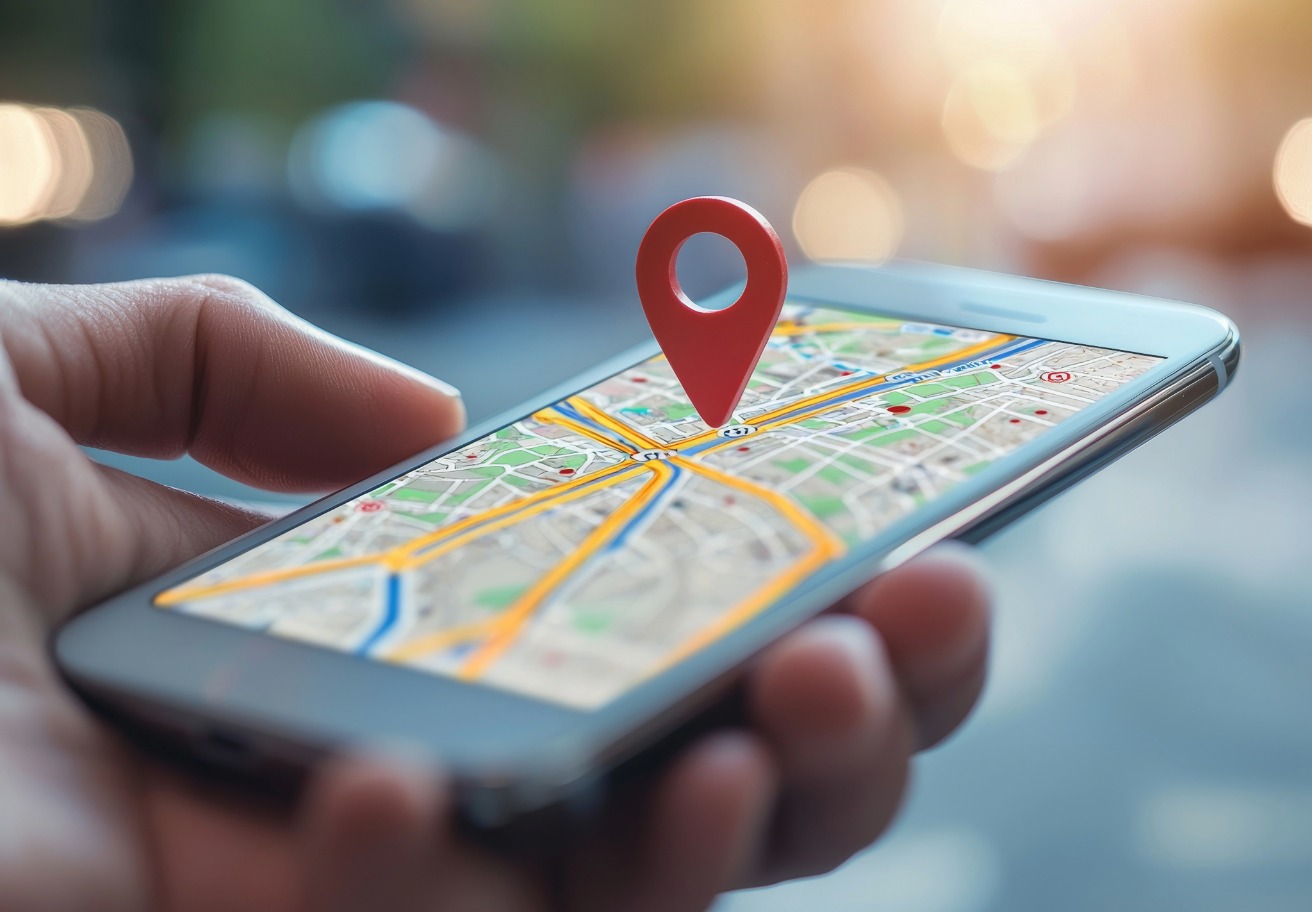
In today’s world, smartphones are more than just devices—they are extensions of our daily lives. From messages and emails to banking apps, photos, and location data, your phone holds a lot of sensitive information. Because of this, the idea that someone could be tracking your phone can be alarming. Knowing how to check if your phone is being tracked is essential to protect your privacy, stay safe, and regain control over your personal data.
Whether you use an Android phone or an iPhone, there are clear steps you can take to identify suspicious activity and remove any unauthorized tracking.
Why You Should Know If Your Phone Is Being Tracked
Before checking the tracking status, it’s helpful to understand why phones are tracked in the first place. Common reasons include:
- Parental monitoring: Parents may track children’s phones to ensure their safety.
- Lost or stolen phones: Tools like Find My iPhone or Google Find My Device can locate missing devices.
- Spyware and stalker apps: Malicious software, known as spyware or stalkerware apps, can secretly monitor your calls, messages, apps, and location.
- Employer monitoring: Company-issued phones may be tracked to maintain security or productivity.
Understanding the reason behind tracking helps you determine whether it is legitimate or unauthorized.
Key Signs Your Phone Might Be Tracked
Recognizing the warning signs of tracking is the first step. Look out for these common indicators:
1. Rapid Battery Drain
If your battery suddenly runs out much faster than usual, it could indicate that a tracking app is running constantly in the background.
2. Unexpected Data Usage
Tracking apps often transmit information over the internet. If you notice unusually high mobile data or Wi-Fi usage, it could mean your phone is sending information to a third party.
3. Strange Noises or Echoes During Calls
Hearing clicks, static, or echoes during calls may indicate that call monitoring software is running on your device.
4. Slower Performance
Spy apps can consume processing power and memory, causing your phone to lag or freeze unexpectedly.
5. Unknown Apps or Files
Regularly check your installed apps. Spy apps often hide under generic names or icons that look normal but are malicious.
6. Overheating Device
A phone that heats up even with light use may be running hidden tracking software in the background.
How to Check If Your Android Phone Is Being Tracked
Android phones are flexible, but that flexibility also makes them more vulnerable to tracking. Follow these steps to see if your Android phone is being tracked:
1. Review App Permissions
Go to Settings > Apps > Permissions. Check which apps have access to your location, camera, microphone, and storage. Remove access for apps that do not need it.
2. Check Device Administrator Settings
Spyware may use Device Administrator privileges (special permissions that allow an app to control key functions of your phone) to prevent removal. Go to Settings > Security > Device Administrators and disable any unknown apps.
3. Monitor Data Usage
Check Settings > Network & Internet > Data Usage. Look for apps using unusually high data in the background, as this could indicate information is being sent without your knowledge.
4. Scan for Malware
Install a trusted antivirus or security app such as Bitdefender, Malwarebytes, or Avast. Run a full scan to detect any hidden tracking apps.
5. Perform a Factory Reset if Needed
If suspicious activity persists, a factory reset will remove all apps and data, including hidden spyware. Remember to back up important files before resetting your phone.
How to Check If Your iPhone Is Being Tracked
iPhones are secure, but they can still be tracked. Check your device with these steps:
1. Check for Unknown Profiles
Go to Settings > General > Profiles & Device Management (profiles are settings packages that can configure your iPhone, sometimes used to install additional apps). Remove any profiles you do not recognize, as these can install tracking apps without your knowledge.
2. Review Location Services
Navigate to Settings > Privacy > Location Services. Look for apps that frequently access your location and limit tracking for those that don’t need it.
3. Check Battery Usage
Go to Settings > Battery to see which apps consume the most power. High battery usage by an unknown app could indicate spyware.
4. Ensure Your iPhone Is Not Jailbroken
Jailbroken iPhones (iPhones with restricted software protections removed, allowing installation of apps not approved by Apple) are more vulnerable to tracking apps. Moreover, if your phone allows apps from unknown sources, it may have been compromised.
5. Reset Your iPhone if Necessary
Go to Settings > General > Reset > Erase All Content and Settings. This will remove unauthorized apps and tracking software.
Extra Tips to Keep Your Phone Secure
Staying secure after stopping tracking apps is important. Follow these quick tips:
- Turn on two-factor authentication for linked accounts.
- Keep your phone updated to fix security risks.
- Download apps only from trusted sources like Google Play or the Apple App Store.
- Use security apps to monitor spyware in real time.
Regularly review app permissions and limit unnecessary access to keep your Android phone faster without resetting it. Clear cached data periodically to free up space and improve overall performance.
Conclusion
Your smartphone plays a significant role in your personal life. Knowing how to check if your phone is being tracked is essential for maintaining privacy and security. By monitoring battery life, data usage, app activity, and device settings, you can identify unwanted tracking on both Android and iPhone devices.
Act quickly, use trusted security tools, and maintain safe phone habits to regain control of your information. Protecting your device brings peace of mind.